
Designing Your Toy
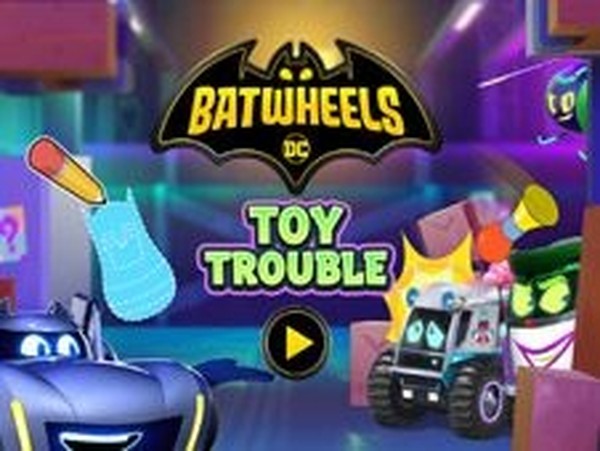
Every round starts with a blank canvas. Players pick a shape from options such as a dinosaur, smiley face, musical instrument, or football, then trace along dotted lines with a mouse or finger. Coloring tools let them fill the outline however they like. This drawing step is not a side activity—the toy you create becomes the object you throw for the rest of the session, so the design directly affects how the game feels.
Throwing Mechanics and Scoring
After the toy is finished, the player selects a Batwheels character and enters an arena where other Batwheels appear. The goal is simple: aim and throw the custom toy at them. Each hit adds points. Because the targets move, accuracy matters more than speed, and players naturally learn to lead their throws. The scoring loop rewards repeated attempts and gives kids a clear reason to keep playing.
Replay Value and Variety
With endless combinations of toy designs and Batwheels characters, no two sessions look the same. Unlocking new combinations gives the game a light progression hook without pressure. The controls stay consistent—trace, color, throw—so young players can focus on improving their aim rather than memorizing new inputs. It is designed for short, repeatable play sessions on mobile or tablet.
Who This Suits
Toy Fun Arcade Challenge targets children and families who want a safe, ad-friendly arcade experience. The drawing element appeals to kids who enjoy creative tools, while the throwing mechanic builds hand-eye coordination. There is no violent or inappropriate content. The main limitation is depth: the core loop is straightforward, so older players may find it repetitive, but for its intended young audience it offers a gentle mix of imagination and reflex.



Editorial Notes