
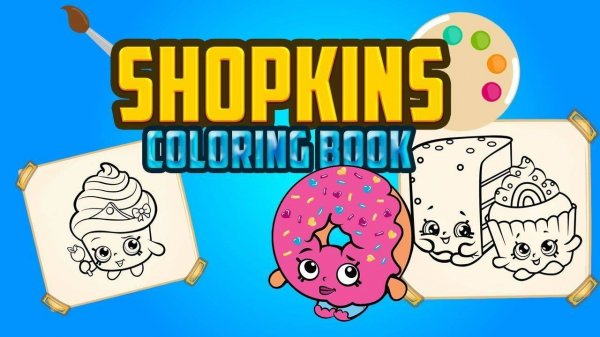
Coloring Tools and Palette
Players choose from twenty-three distinct hues when filling each picture. The palette mixes bright primary colors, softer pastels, and a few deeper shades, so young artists can test combinations without leaving the screen. Switching colors takes only a moment, which keeps the focus on the picture rather than on menus. An undo function reverses recent color choices, and players can change any color at any point before saving. These tools turn trial and error into a low-stakes way to learn what looks right.
Picture Variety and Session Flow
Eight available images feature friendly characters and simple scenes. Each picture contains different areas to color, ranging from large open spaces to smaller detailed sections. That range matters because it changes how a child approaches a page: broad areas suit quick fills, while smaller sections encourage slower, more deliberate placement. Across multiple play sessions, the mix of images keeps the activity from feeling identical each time.
Speed, Scoring, and Flexibility
A subtle time element encourages players to finish a picture efficiently. Completing a picture faster produces a higher score, adding a light challenge without pressure. The scoring system rewards focus but does not penalize slower, careful work, so children who prefer to take their time are not shut out of a good result. This balance makes the activity usable for different temperaments.
Saving and Sharing Finished Art
Once a picture is finished, players can save the colored image directly to their device. The saved file retains the colors chosen during play, which lets families keep a record of completed artwork or share it with others. Because saving happens after the coloring is done, children can experiment freely during the session and still preserve a final version they like.





Editorial Notes