
Match Objectives and Team Roles
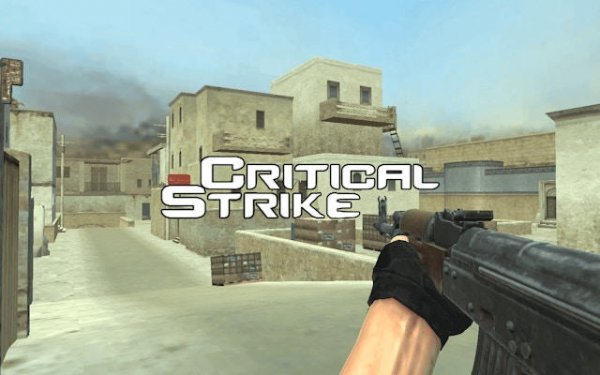
Precision Tactical Zero: Team Fighter is built around competitive team matches. Players join one of several modes, including team deathmatch and objective-based battles. The central goal is to coordinate with teammates to control key areas, outmaneuver the opposing team, and complete mission goals. Success depends less on individual reflexes alone and more on how well a squad reads the map and reacts to enemy movement.
Loadouts and Gear Choices
Before entering a match, players select a loadout from a range of modern gear items. Each item has unique handling characteristics, so the choice affects how a player approaches engagements. Some gear may favor close-quarters control, while other setups support holding longer sightlines. Experimenting with different combinations helps players find a setup that matches their preferred role within the team.
Controls and Map Awareness
Movement uses standard keyboard keys, while aiming and firing are handled with the mouse. Maps are designed with multiple pathways and interactive elements, which encourages smart movement rather than running straight into open ground. Learning the layout of each map—where the side routes lead, which areas offer cover, and how interactive elements can be used—gives players a tactical advantage over opponents who only know the main paths.
Strategy and Adaptation
Because enemy movements shift throughout a match, static plans rarely hold. Teams that communicate and adjust their positioning based on what the other side is doing tend to control objectives more effectively. Flanking through secondary routes, regrouping after a lost fight, and switching loadouts between matches are all part of the learning curve. The game is free to play and runs directly in a browser, so no download or installation is required to start a match.






Editorial Notes