
Course Structure and Objective
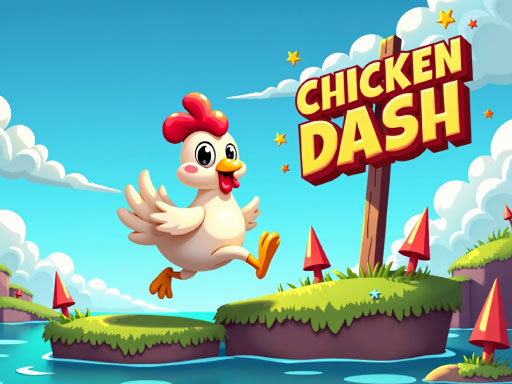
Each run in Chicken Sprint Arcade Runner places you on a single course with a clear goal: reach the finish line. The path is lined with fences, barrels, and gaps that must be cleared by jumping. Coins appear along the track, and collecting them adds to your score. Courses are short by design, so a complete attempt takes only a minute or two. The difficulty rises as you progress, with obstacles arriving faster and gaps requiring more precise timing.Controls and Timing
A single action button handles every jump, whether you are on a keyboard or a touch screen. That simplicity keeps the focus on timing rather than complex inputs. Because the chicken runs forward automatically, your only decision is when to leap. Jump too early or too late and you will clip an obstacle or fall into a gap. The responsive controls work across both input methods, so the same skills carry over between devices.Scoring and Replay Value
Coins are the main scoring element beyond simply finishing a course. Grabbing them while maintaining a clean run encourages you to take slight risks rather than play it safe. The scoring system gives each course a reason to be replayed, since a faster or more coin-heavy attempt produces a better result. Short course lengths make repeated attempts easy to fit into a break.Visual and Audio Style
Bright, cheerful graphics and an upbeat soundtrack set a light tone that suits the family-friendly tag. The chicken character is easy to track against the background, which matters when obstacles come quickly. The overall presentation stays consistent across courses, keeping attention on the running and jumping rather than on visual clutter.✅ Compatibility & Testing
• Desktop (Windows 11, macOS Ventura)
• Mobile (iPhone 14, Samsung Galaxy S23)
• Tablet (iPad Pro, Android tablet)
✅Supported browsers: Chrome, Safari, Edge, Firefox (latest versions)
❌ Not supported: Internet Explorer, older browser versions





Editorial Notes