
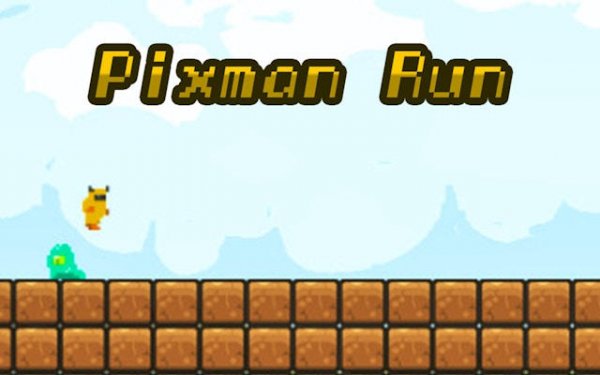
What You Do in a Run
Pixel Dash: Infinite Trail is built around a single continuous run. The path ahead is generated each time you play, so you never memorize a fixed layout. Platforms, gaps, and barriers appear in new arrangements. Your job is to keep moving forward by jumping over openings and sliding under low-hanging obstacles. Keyboard and touch inputs are both supported, and the game responds to each press or swipe immediately. As the running speed gradually increases, the same actions demand sharper timing. A jump that worked early in a run may need to be held longer or triggered earlier as the pace climbs.Controls and Input Feel
The control scheme is intentionally narrow. A tap or key press makes the character jump, and holding longer produces a higher leap for larger obstacles. Swiping down or pressing a separate key triggers a slide to pass under barriers. This two-action setup means new players can start running without a tutorial, while the rising speed adds a gradual challenge for returning players. Responsive feedback matters here because the difference between a successful jump and a failed one is often a fraction of a second.Procedural Tracks and Replay Value
Because the course is generated fresh each run, no two sessions are identical. The layout adapts to your current speed, introducing more complex obstacle patterns as you progress. This design keeps the gameplay engaging without relying on fixed levels. The trade-off is that runs are unpredictable by nature, so improvement comes from reading patterns quickly rather than memorizing a stage. That structure suits short sessions and repeated attempts.Scoring and Progression
Points come from covering distance and collecting items scattered along the path. Landing on friendly characters that appear occasionally grants bonus points. Your score acts as a measure of progress and skill, with higher totals reflecting better timing and longer runs. There is no pressure to hit a specific target, so the game lets you enjoy each attempt at your own pace.Compatibility
Play on Any Device | Chrome / Safari / Edge Recommended







Editorial Notes