
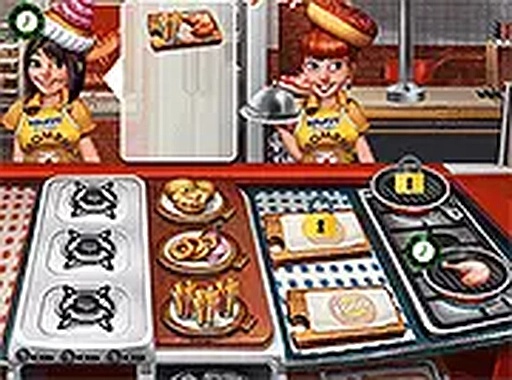
Order Flow and Cooking Steps
Each customer request shows a desired doneness and any sides. You select the right cut, season it, and place it on the grill for the correct duration. Visual cues like color changes on the meat help you judge when it is ready. Once plated, the dish goes to the waiting customer. Every action uses simple clicks or taps, so the game works for all ages and requires no prior cooking knowledge.
How Difficulty Ramps Up
The first orders arrive at a gentle pace, letting you practice each step without pressure. As you complete orders successfully, the speed of incoming requests increases. Later stages add variations such as customers with specific dietary preferences or tighter time windows. This gradual ramp keeps the challenge fresh without becoming frustrating. Players who want to sharpen multitasking skills will find the escalating demands rewarding.
Interface and Device Support
Bright graphics and distinct icons for ingredients and tools make the kitchen easy to read at a glance. Order timers and customer satisfaction levels are displayed prominently, so you can make quick decisions. The game runs entirely in a web browser with no download required. It adapts to different screen sizes and functions smoothly on desktop computers and mobile devices.
Strategies for Steady Improvement
Processing orders in the sequence they arrive helps maintain a steady workflow. Watch each customer's satisfaction meter, because those with lower patience need faster service. Repeating the cooking steps teaches you the optimal timing for each doneness level. During busy periods, staying organized and avoiding panic allows you to manage multiple orders efficiently. With practice, your speed and accuracy increase naturally.








Editorial Notes