
Placing Blocks, Building Matches
Cat Block Match Puzzle is a casual match-3 game built around a simple placement loop. Cat blocks appear at the top of the screen. You select a block, then tap an empty space on the grid below to place it. Your goal is to form a horizontal or vertical line of three or more identical cat blocks, which then disappear and free up space. The grid fills as you place blocks, so every move affects how much room you have left.
Chain Reactions and Forward Planning
Because blocks stay on the board until matched, the order and position of your placements matter. A single well-placed block can trigger multiple matches at once, creating a chain reaction that clears more of the grid than expected. This is where the game shifts from casual tapping to light strategy: you are not just looking for one match, but setting up positions that can pay off two or three moves later. Letting the grid get too crowded limits your options, so clearing tight spaces early often keeps the board manageable.
Pixel Art Cats and a Calm Pace
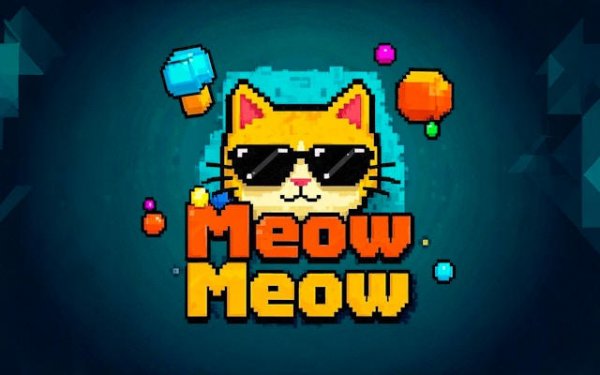
Each block features a pixel-art cat design, giving the board a consistent visual theme. Gentle sound effects and a relaxed pace mean the game suits short sessions as well as longer puzzle-solving stretches. The difficulty curve starts simple and gradually introduces more complex layouts, so the challenge grows without sudden spikes. There are no forced interruptions, and levels are designed to be completed in a short amount of time.
Who This Suits
Players who enjoy match-3 puzzles with a placement twist will find the core loop familiar but slightly more deliberate than swipe-based matching. The need to plan several moves ahead and avoid gridlock appeals to those who like a mental challenge wrapped in a low-pressure format. The cat theme and pixel art give it a distinct look, while the mechanics stay easy to learn for newcomers to the genre.




Editorial Notes