
Building a System from Nothing
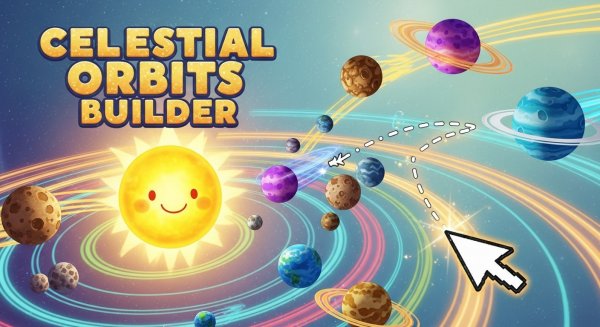
Space Orbit Builder Simulation begins with an empty canvas. You place a central star, then pick a planet type from a menu. Click and drag away from your chosen starting point: the drag direction and length set the body's initial velocity, and releasing launches it into orbit. There is no preset solar system to copy. Every arrangement comes from your own placement and timing.
How Real-Time Gravity Shapes Play
The simulation runs continuously, so gravity and orbital mechanics decide what happens next. A short drag produces a slow, tight orbit; a longer drag sends the planet farther out or past the star entirely. Because the physics engine responds to every body you add, a stable two-body system can become unstable once a moon or asteroid enters the picture. You can pause to study a configuration, reset to a blank canvas, or toggle orbit trails to see the paths each object follows. [IMG_1]
Choosing Between Stability and Chaos
Nothing forces you toward a tidy result. You can aim for near-circular orbits by matching drag length to distance, or add bodies freely and watch them perturb one another. Asteroids and moons are not decorative; their mass and velocity affect nearby planets. The reset button makes experimentation low-risk, since a failed system costs nothing to replace. That freedom is the point: the game treats orbital dynamics as something to poke at rather than a puzzle with one solution.
Who This Suits
The interface is built for players of all ages, and the controls are limited to placing, dragging, pausing, resetting, and toggling trails. That makes it approachable for children and casual players, while the underlying physics gives curious players room to test how velocity and mass interact. Sessions can last a few minutes or much longer, depending on how many bodies you add and how closely you watch them behave.






Editorial Notes